

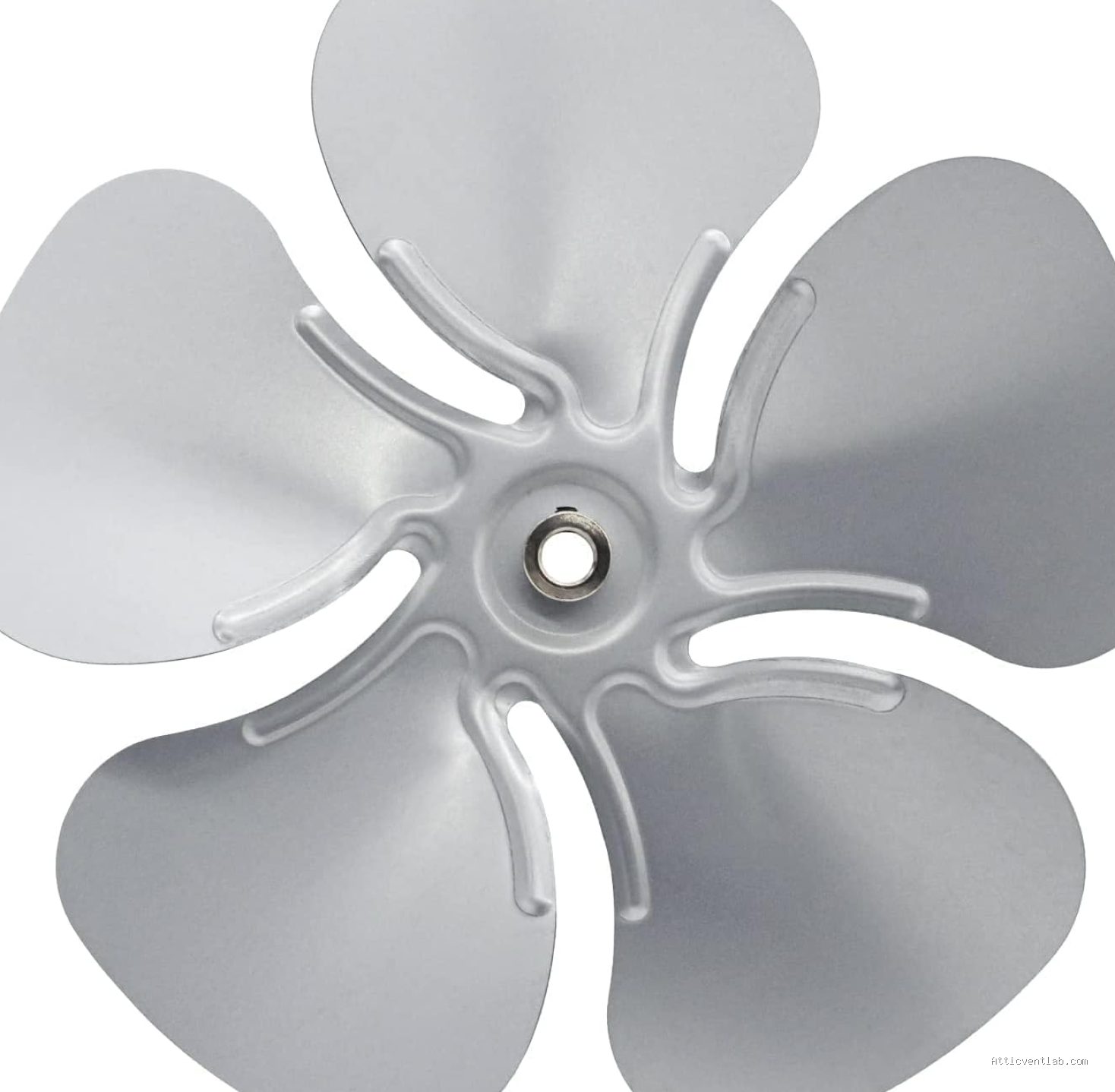
Atticventlab.com – Attic fan blades scrape against the metal housing rim primarily due to structural shifting, loose mounting hardware, or debris accumulation that forces the blade assembly out of its original, balanced alignment. This mechanical interference is a critical issue that requires immediate attention to prevent motor burnout and structural damage to the fan assembly.
Understanding the Mechanics of Blade Contact
Attic fans are engineered with precise tolerances to ensure the blades rotate freely within the housing drum. When you hear a metallic scraping, grinding, or screeching sound, it indicates that the air gap between the blade tip and the housing wall—typically only a fraction of an inch—has been compromised. This is rarely a sign of a faulty motor initially; rather, it is usually a physical positioning issue caused by environmental or installation-related stressors.
Common Causes of Misalignment
📷 Photo by mymaxxair.com
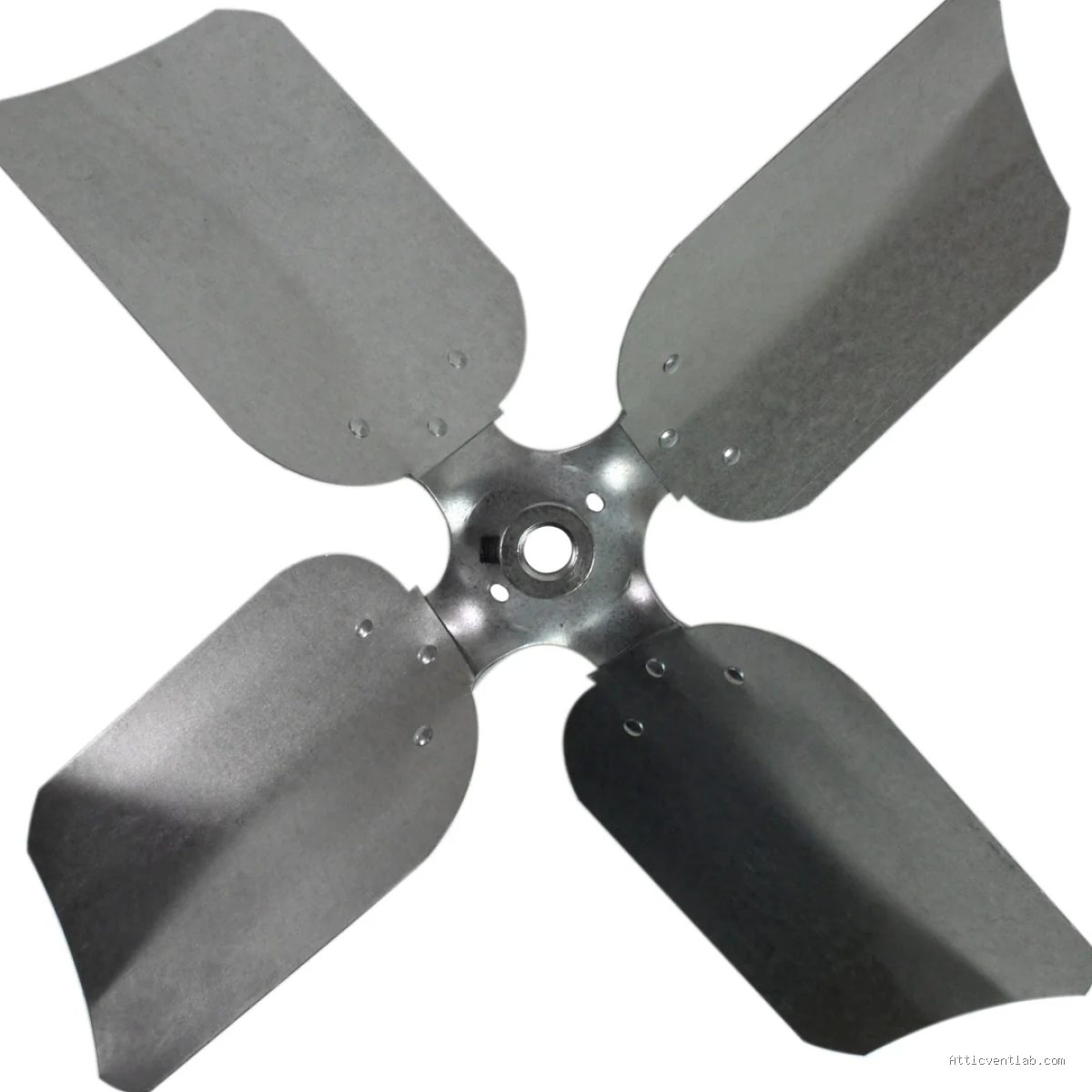
The most frequent cause is the loosening of the set screw or the nut that secures the fan blade to the motor shaft. Over time, the constant vibration of the motor causes these fasteners to back out, allowing the blade assembly to slide forward or backward on the shaft. Once the blade shifts, it is no longer centered, leading to contact with the metal housing rim.
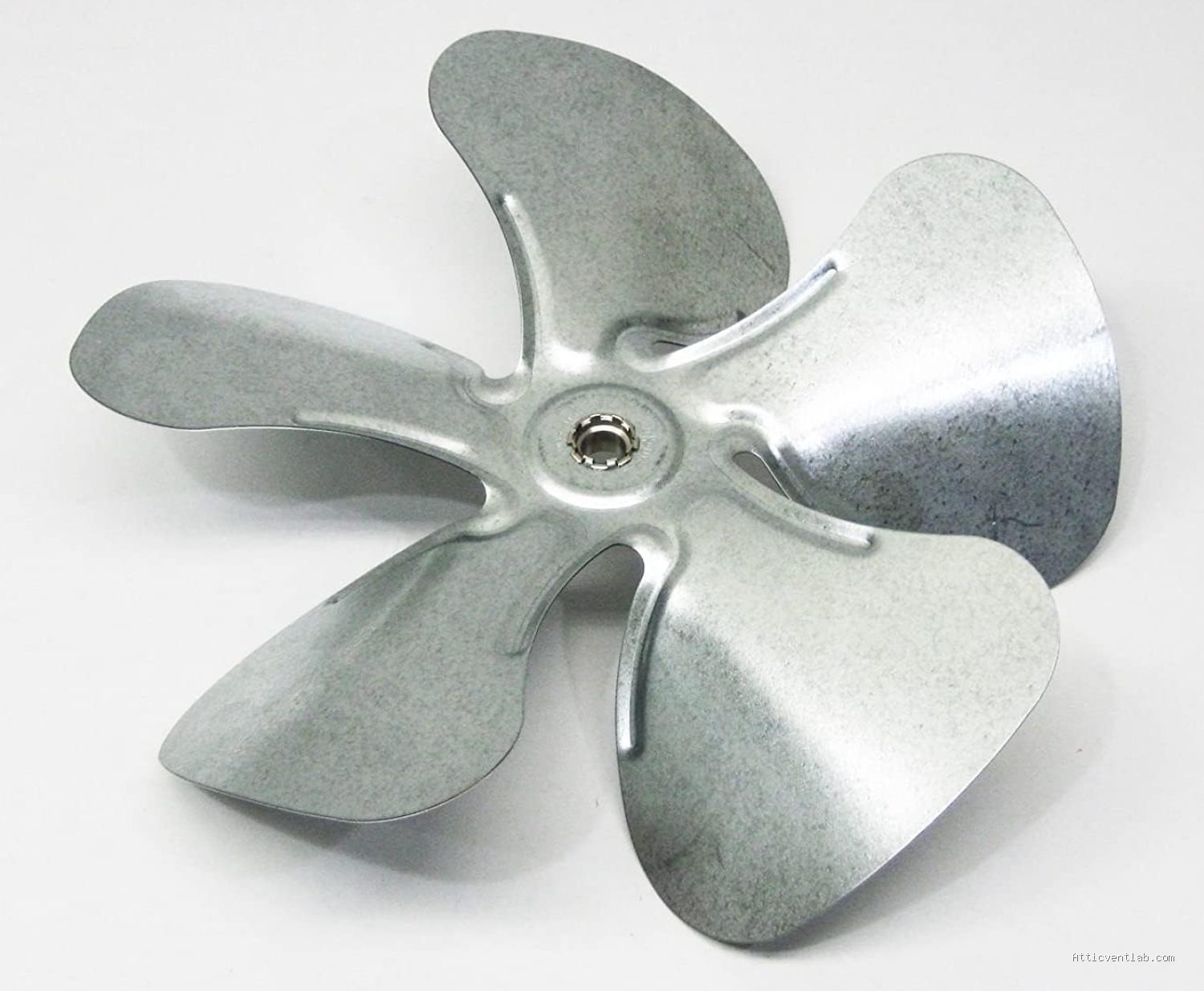
Another common culprit is the warping of the attic fan housing itself. Attic spaces experience extreme temperature fluctuations, which can cause metal frames to expand and contract repeatedly. If the housing was not mounted with sufficient structural integrity, the frame may buckle or sag over time, effectively shrinking the diameter of the circular path where the blades spin.
📷 Photo by amazon.com
Debris accumulation is also a silent contributor. Dust, bird nesting materials, or loose insulation fibers can get caught in the motor housing or the blade assembly. Even a small amount of debris that becomes wedged between the blade and the housing rim can force the blade to deflect, resulting in a consistent scraping sound that worsens as the material packs tighter.
Risks of Ignoring the Scraping
Ignoring the sound is a shortcut to total fan failure. When a blade scrapes against the housing, it creates significant physical resistance against the motor. This forces the motor to draw more electrical current than it was designed for, leading to rapid overheating. If the motor does not have a thermal overload protector, it may burn out completely, necessitating a full replacement of the unit rather than a simple adjustment.
Furthermore, the friction generated by the contact can cause metal-on-metal wear. This can result in structural fatigue, where the fan blades become bent or permanently misshapen. Once a blade is bent, it will create an imbalance that causes the entire unit to vibrate violently, potentially loosening the mounting screws that hold the fan to the roof deck or gable wall.
Diagnostic Checklist and Comparison
Before attempting repairs, use the following table to identify the severity of the issue and determine if it is a simple fix or a sign of mechanical failure.
| Symptom | Likely Cause | Action Required |
|---|---|---|
| Rhythmic clicking or scraping | Loose set screw | Tighten set screw/center blade |
| Constant grinding | Bent blade or warped housing | Bend blade back/re-align housing |
| High-pitched screeching | Motor bearing failure | Replace motor unit |
| Vibration/Shaking | Debris on blades | Clean blades thoroughly |
Step-by-Step Troubleshooting and Repair
If you have identified that the scraping is caused by misalignment, follow these steps to restore functionality. Always ensure the power to the attic fan is completely disconnected at the breaker box before performing any maintenance.
- Access the attic fan and remove the safety grille to expose the blades and motor assembly.
- Inspect the center hub where the blades connect to the motor shaft. Locate the set screw and ensure it is tightened firmly against the flat side of the motor shaft.
- Rotate the blades manually by hand. Observe the gap between the blade tips and the housing rim at every point of the rotation to identify exactly where the contact occurs.
- If the blade is bent, use a pair of pliers to gently nudge the blade back into its original shape. Apply pressure slowly to avoid snapping the metal or causing stress fractures.
- If the housing appears warped, check the mounting bolts that secure the fan unit to the roof or gable. Loosen them slightly, shift the frame until the blades clear the rim, and re-tighten the bolts securely.
- Once adjusted, spin the blades manually one last time to ensure there is a uniform gap throughout the full 360-degree rotation.
- Clean all dust and debris from the blades, as even a small imbalance can cause the blades to wobble at high speeds.
Prevention Tips for Long-Term Operation
To prevent future scraping, perform a seasonal inspection of your attic fan. During the spring, verify that all mounting hardware remains tight and that no debris has entered the housing. If you live in an area with high wind, ensure that the exterior vent cover is intact, as wind pressure can sometimes push debris into the fan housing, which may eventually interfere with the blade path.
Frequently Asked Questions
Q: Can I just bend the blade to stop the scraping?
A: You can use pliers to adjust a bent blade, but do so with extreme caution. Bending the metal can lead to structural fatigue, and if the blade is not balanced properly, the resulting vibration will likely cause the issue to return or damage the motor bearings.
Q: Why does the scraping sound happen only when the fan is running?
A: Centrifugal force causes the blades to flex slightly when they spin at high speeds. A blade that clears the housing when stationary may strike the rim once it reaches operational RPM due to this natural flexing or existing imbalance.
Q: Should I use lubricant on the housing rim to stop the noise?
A: Never use lubricant on the housing rim. It will attract dust and grime, creating a sticky residue that will eventually increase friction, trap debris, and potentially create a fire hazard inside your attic.
📷 Photo by amazon.com


Leave a Reply